How to Make a Stage Plot for a Concert

A useful stage plot shows where people and gear go, what needs power, and what the venue should know before load-in.

A stage plot does not need to be beautiful. It needs to be clear enough that a venue, festival, or engineer can understand your setup quickly and prépare the stage without guesswork.

  • 1Keep the layout visual and easy to read at a glance.
  • 2Show musician positions, backline, wedges, and key technical notes.
  • 3Make sure the plot matches the patch list and rider you send with it.
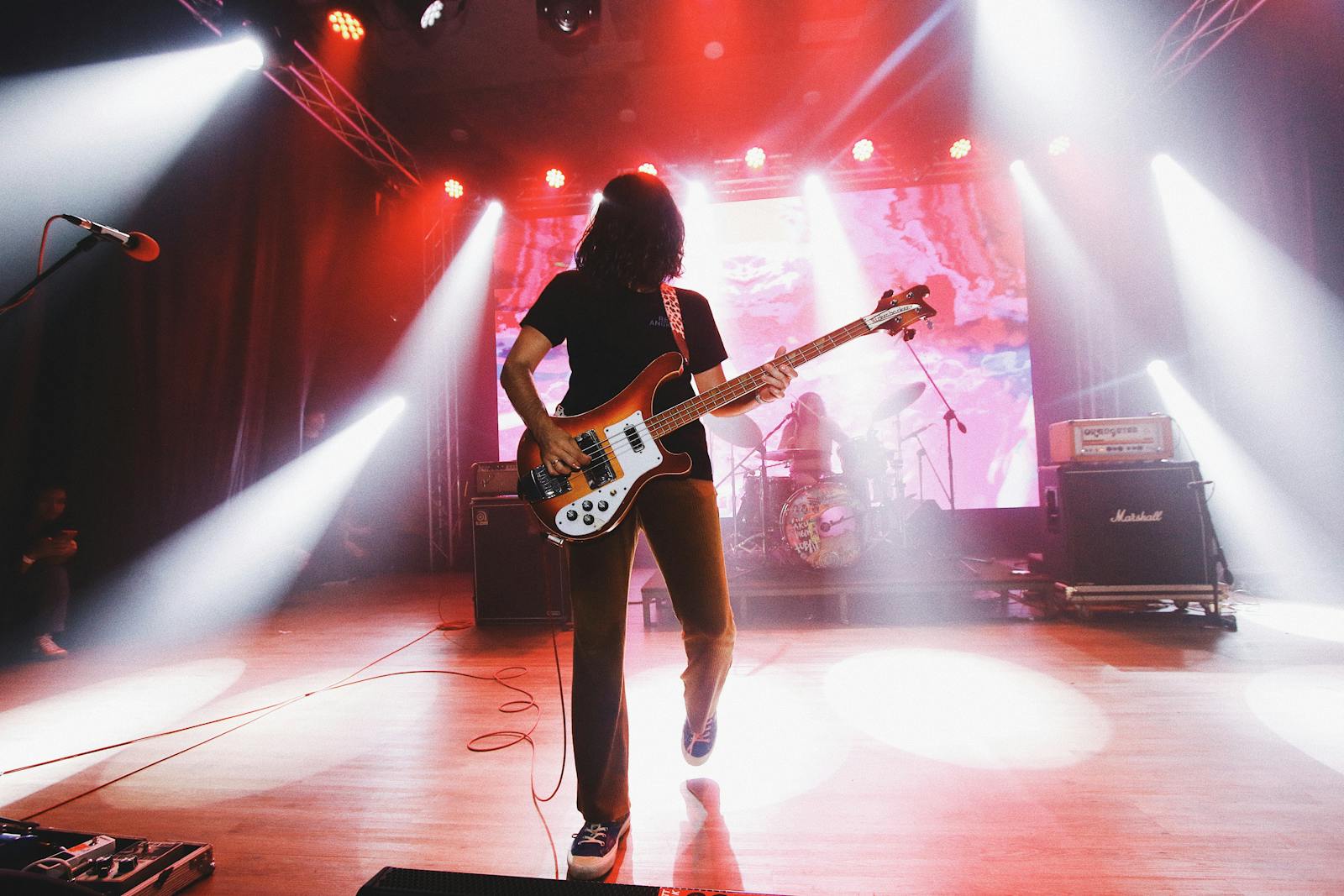
Guitarist on stage under concert lights

What a stage plot is actually for

It is a communication tool, not a graphic exercise.

A stage plot gives the venue a visual overview of who stands where and what gear needs to be on stage.

Its job is to reduce setup surprises before the show and help the technical team prépare the right layout.

  • Musician positions
  • Main instruments and backline
  • Monitor or wedge needs
  • Power and special notes when relevant

How to build a clean concert stage plot

Keep it structured from left to right and front to back.

1

Start with the stage viewpoint

Decide whether you are showing the stage from the audience perspective or from the band perspective, then stay consistent.

2

Place musicians and backline first

Add vocalist positions, drum kit, amps, keys, DI zones, and any large gear before finer details.

3

Add monitors, power, and critical notes

Only include what the venue needs to act on. Avoid clutter that makes the layout harder to read.

4

Check it against your patch list

A stage plot that disagrees with the input list creates confusion as soon as soundcheck starts.

The best stage plot is the one a venue can act on quickly.

Clarity beats decoration. If the engineer understands your layout in thirty seconds, the document is doing its job.

Free plan availableInvite the band when readyWorks on phone too

What to include in a band stage plot

Use this as a practical baseline.

  • Band name and lineup
  • Stage positions for each member
  • Drums, amps, keys, risers, and other main backline
  • Monitor wedges or in-ear note if relevant
  • Power drops or unusual technical constraints
  • A matching patch list or reference to the attached rider

Common stage plot mistakes

These are the things that make a plot less useful right when it matters.

Adding too much decoration

The more visual noise you add, the harder it is for the venue to see the actual setup.

Forgetting to update the plot

If the lineup or setup changes, an old stage plot becomes worse than none because it creates false expectations.

Sending a plot with no rider context

The plot is stronger when the venue also receives the matching input list, contacts, and technical notes.

FAQ

A stage plot is the visual layout. The tech rider is broader and usually includes the plot, patch list, technical needs, and practical information for the show.

Not always, but it helps whenever the venue asks for technical information in advance or when the setup is more than very basic.

Detailed enough for the venue to place people and gear correctly, but not so detailed that the document becomes hard to scan.

Yes, PDF is usually the safest format to send because it preserves the layout and is easy for venues to store and forward.

Read next

These pages extend the topic from a complementary angle while staying close to real band workflow.

Related Bandger features

These features help turn a static stage diagram into a real pre-gig workflow.

Prepare a readable stage plot, patch list, and PDF rider the venue can use before show day.

See feature

Run the band calendar with availability, recurring dates, call times, contacts, and linked setlists.

See feature

Keep venues, promoters, stage managers, and tech contacts in one shared book linked to the right dates.

See feature

Build a stage plot that is ready to send

Create the visual layout, add the technical details, and keep it linked to the right event in Bandger.

Free plan availableInvite the band when readyWorks on phone too