An App for Touring Bands Sharing Tech Riders and Dates

A touring band app should keep each show self-contained: date, venue, contacts, rider, stage plot, and whatever changes at the last minute.

Touring bands do not just need a calendar. They need each date to carry the right files, contacts, technical notes, and last-mile information without forcing everyone to search across old threads.

  • 1Keep every show tied to the right documents and people.
  • 2Reduce last-minute searching for rider versions, contacts, and logistics.
  • 3Give the whole touring team a shared source on web and mobile.
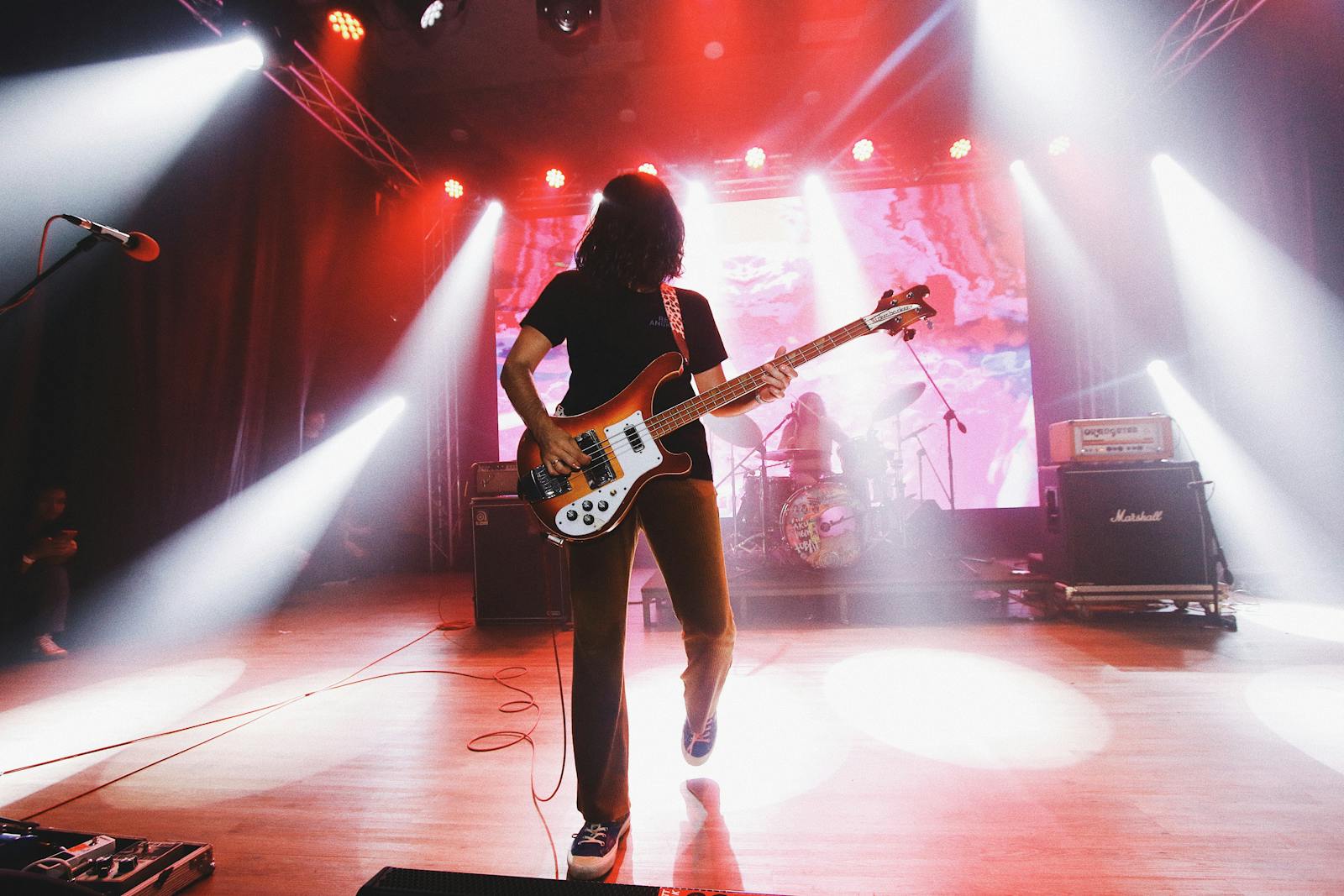
Touring guitarist on stage with lights behind

What touring bands need in practice

The issue is not only scheduling. It is shared logistics at event level.

Every show has its own promoter contact, load-in timing, venue notes, technical document version, and practical reminders.

If those details live in folders, emails, chat threads, and phone notes, the band spends too much time retrieving context instead of using it.

  • Shared date overview
  • Venue and promoter contacts
  • Rider and stage plot access
  • Mobile access on travel days

What to centralize before a run of shows

These are the items that usually create avoidable friction when they are scattered.

  • Confirmed dates and locations
  • Venue contacts and key phone numbers
  • Stage plot and rider files
  • Travel or local logistics notes
  • Setlists or show-specific préparation notes
  • Last-minute changes attached to the right event

Touring breaks generic tools because each date carries a lot of moving context.

When the files, contacts, and updates are separated from the event itself, every day of the run creates preventable friction.

Free plan availableInvite the band when readyWorks on phone too

A practical touring workflow

This is where dedicated band software becomes useful fast.

1

Create or confirm each date as an event

Treat every show as its own working space, not just one line on a calendar.

2

Attach the technical and contact context

Add riders, stage plots, venue contacts, and the details the band will need when travel starts.

3

Keep updates on the same event

If load-in time, parking, or technical conditions change, update the event instead of starting new message chaos.

Why Bandger fits touring bands

It is built around the event workflow, not just around files.

Dates stay tied to the right documents

The event, rider, stage plot, and notes stay connected instead of drifting apart.

Contacts are part of the workflow

Promoters, venue staff, and technical contacts stay close to the date where they matter.

The team can check details on the road

Web and mobile access matter when the band is traveling and décisions happen away from the desk.

FAQ

No. It is useful as soon as the band handles multiple active dates with shared technical documents and logistics.

Yes. That is one of the most practical ways to avoid sending the wrong version or losing context between dates.

Because touring details rarely live cleanly in only those two places. The event context usually needs contacts, notes, files, and updates kept together.

Yes. Touring teams often need key information while traveling, loading in, or talking to a venue contact away from a laptop.

Read next

These pages extend the topic from a complementary angle while staying close to real band workflow.

Related Bandger features

These features are the core workflow pièces that touring bands usually need together.

Run the band calendar with availability, recurring dates, call times, contacts, and linked setlists.

See feature

Prepare a readable stage plot, patch list, and PDF rider the venue can use before show day.

See feature

Keep venues, promoters, stage managers, and tech contacts in one shared book linked to the right dates.

See feature

Run touring logistics from one shared workspace

Use Bandger to connect dates, riders, contacts, maps, and notes so each show stays prepared.

Free plan availableInvite the band when readyWorks on phone too