Where it usually breaks
Building a gig set list in chat creates version chaos
When screenshots, chat updates, and old PDFs circulate together, someone always arrives with the wrong running order.
Where it usually breaks
When screenshots, chat updates, and old PDFs circulate together, someone always arrives with the wrong running order.
What Bandger changes
Bandger keeps one source of truth for song order, breaks, cues, and shared files so everyone works from the same version.
What you can do
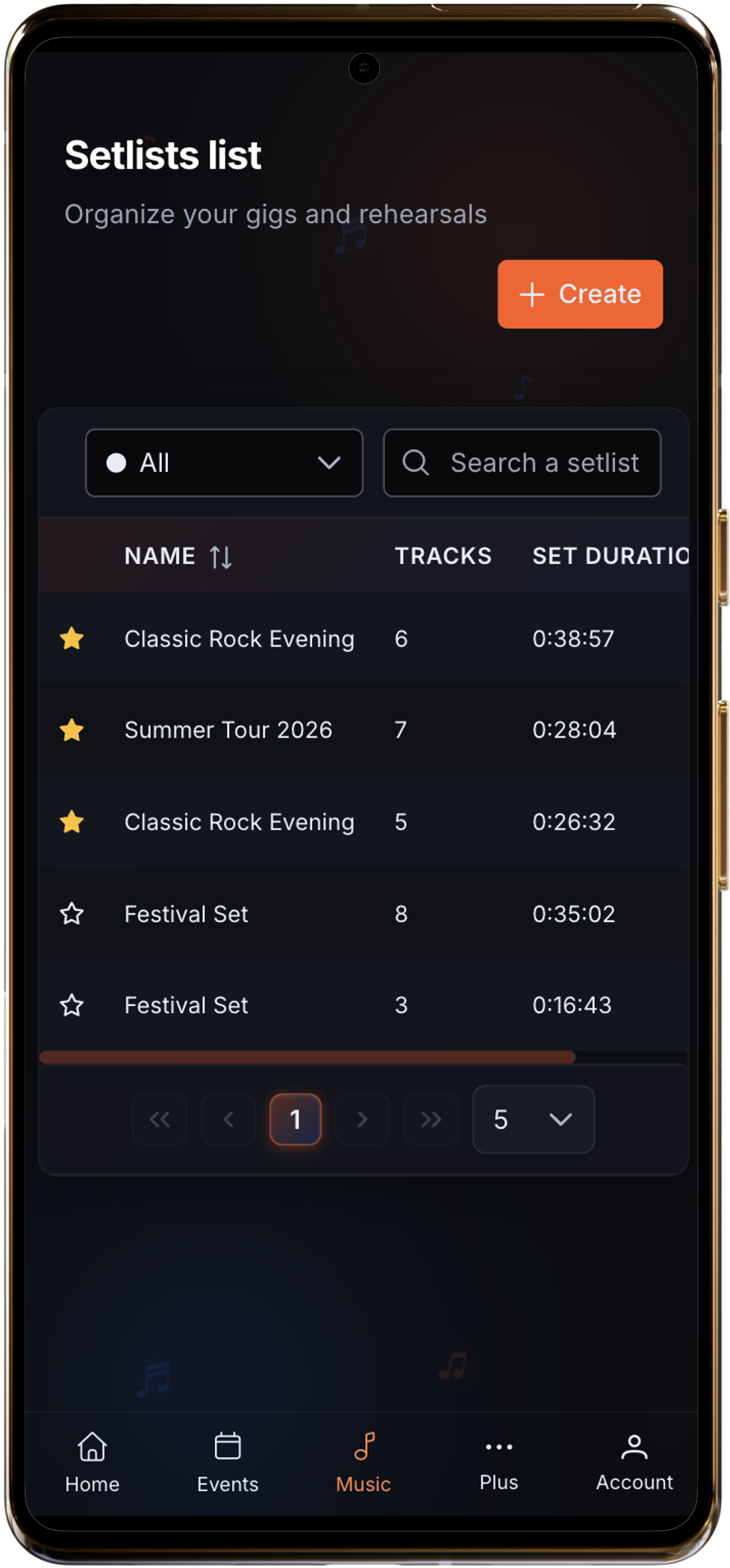
In practice
Shape the flow, keep notes in the right place, and avoid the usual version chaos before you go on stage.
What stays clear
Rehearsal
working version
Show day
final running order
FOH
clean PDF copy
The same set can stay readable from rehearsal to stage.
Typical workflow
Step 1
Pull songs from your shared catalog into a new set.
Step 2
Reorder tracks, add breaks, and refine transitions and cues.
Step 3
Share instantly with the band or export a stage-ready PDF.
These pages extend the feature with practical methods, concrete workflows, or comparisons bands actually use.
Build a setlist the band and technical team can use: order, transitions, notes, and final version.
Read guideFor cover bands juggling a large repertoire, changing setlists, keys, and live versions.
See use caseFor bands managing evolving songs, work-in-progress versions, and live preparation around originals.
See use caseStart from the songs you already play, shape the order, add notes and breaks, and keep one version for the whole band.