Band finance tracking without spreadsheet chaos

Track income, costs, reimbursements, and balances with shared visibility and split rules that match how bands actually share money.

Where it usually breaks

Band expenses pile up and nobody trusts the totals

Without a shared ledger, tour costs and payments get blurry fast, and money conversations become harder than they should be.

What Bandger changes

One shared finance tracker with clear split rules

Bandger records every movement, applies split rules, and shows exactly who paid, who owes, and what has already been settled.

What you can do
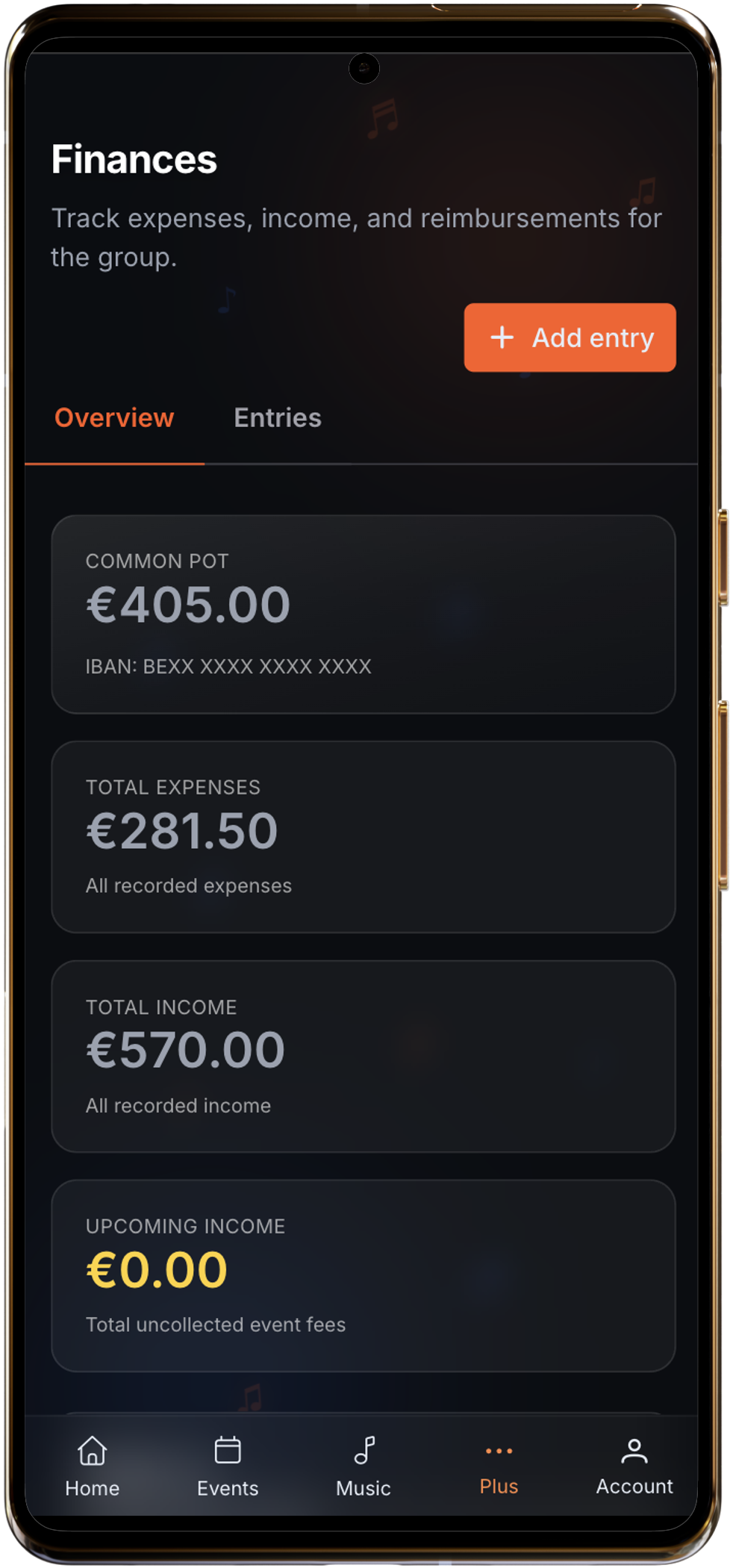
Band money tracking that stays transparent

  • Invoices and credit notes. Create invoices for gigs and other activities, then generate a credit note from an invoice when adjustments are needed.
  • Line-level VAT. Work line by line with account-level VAT rates and a default rate to speed up invoice creation.
  • Invoice to finance bridge. When an invoice is marked paid, optionally create the matching finance entry in the same flow.
  • Collect fee with invoice. From event fee collection, choose finance entry only or finance entry plus invoice in one modal flow.
Band finance tracking without spreadsheet chaos

In practice

Shared numbers your band can settle from

Record real entries, split them properly, and keep everyone looking at the same balances.

  • Log gig income, shared expenses, reimbursements, invoices, and credit notes in one ledger.
  • Build invoices line by line with VAT rates configured at account level.
  • Check balances before settling so nobody has to recalculate everything again.

What becomes easier

Invoicing

invoices + credit notes

VAT per line

account-configured rates

Paid status

optional finance entry creation

Especially useful when several people advance money for the band.

Typical workflow

Track and settle band money in 3 steps

  1. 1Create the invoice. Add customer, dates, line items, VAT, and status directly inside the Finances tab.
  2. 2Mark as paid. When switching to paid, choose whether to create the matching finance entry automatically.
  3. 3Settle balances. Keep reimbursements and balances aligned in the same module, without double entry.

Concrete situations

Common band finance scenarios

  • See who owes what right after a run of shows.
  • Track a gig from expected fee to paid invoice with PDF export.
  • Issue a credit note when an invoice needs correction without breaking history.

Useful guides and comparisons

These pages extend the feature with practical methods, concrete workflows, or comparisons bands actually use.

Create the next gig invoice before it gets lost in drafts

Add line items, VAT, status, PDF, and accounting linkage in one shared flow.

14-day free trialNo credit card requiredWorks on mobile too