Where it usually breaks
Band management slows down when one person relays everything
Rehearsal details, gig files, and last-minute changes all go through one phone. That creates delays, missed updates, and late briefings for outside people.
Where it usually breaks
Rehearsal details, gig files, and last-minute changes all go through one phone. That creates delays, missed updates, and late briefings for outside people.
What Bandger changes
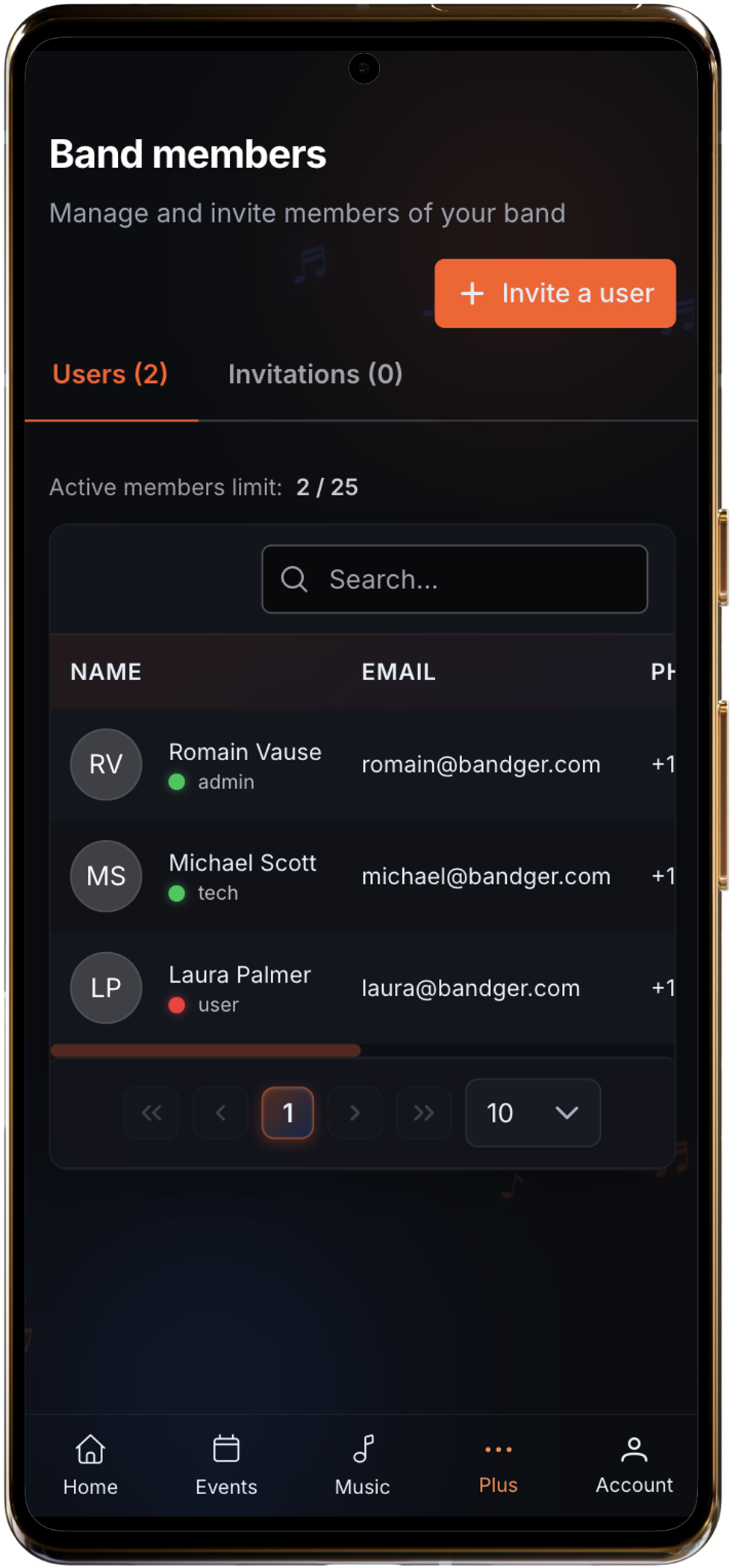
In Bandger you invite the right people, then share only what they need: dates, setlists, technical docs, or planning context.
What you can do
One shared space, with access adapted to each role.
In practice
Inviting more people does not mean opening the full project. Clear roles keep the space understandable for everyone.
Who sees what
Band members
rehearsals, gigs, setlists, daily shared info
Crew / subs
only the prep that matters for the date
Admin / management
invites, roles, and overall organization
You stay centralized without repeating the same context every time someone new joins. Each role has different rights and permissions that can be reviewed and updated later in account settings.
Typical workflow
Concrete situations
These pages extend the feature with practical methods, concrete workflows, or comparisons bands actually use.
Keep rehearsals, gigs, absences, and reminders in one visible calendar the whole band can trust.
Read guideDefine who can view, edit, or validate key info so the band avoids avoidable mistakes.
Read guideCompare message threads with a structured workflow for events, songs, contacts, and follow-up.
See comparisonInvite musicians first, then external people needed for the date. Each person sees what they should, in the same shared workspace.